A voice-to-CRM tool turns a spoken visit recap into information attached to a contact, company or opportunity. Choose it by testing record matching, proposed fields, source evidence and review before writing. VoiceLine and Donna describe sales-focused workflows; Agentforce and Breeze operate within their respective CRM ecosystems. notefield covers field conversations and reports. The right choice depends on the workflow demonstrated in your own environment.
Which solutions should you compare?
This comparison is published by notefield, a product of Y SAS. It uses the vendors’ official pages reviewed on 6 September 2026. It is not an independent product test or performance ranking. Pricing, permissions and connectors may depend on a plan or configuration; confirm them before choosing.
| Solution | Positioning described by the vendor | What to verify in a demonstration |
|---|---|---|
| VoiceLine | Assistant for field sales teams, capturing interactions and feeding CRM data | Process a visit involving several contacts and inspect the objects and fields actually changed |
| Donna | Sales assistant for meeting preparation and follow-up, connected to work tools | Verify the mobile workflow and the CRM, email and calendar connections your team needs |
| Salesforce Agentforce Assistant | Assistant within Salesforce for accessing context and performing configured actions | Test the complete field recap workflow, permissions and actions available in your instance |
| HubSpot Breeze Assistant | Assistant using HubSpot CRM context to support daily work | Test post-visit capture, record creation and the limits of your subscription |
| notefield | Conversation and voice recap capture, reports and next actions across field roles | Bring your own example and confirm the review workflow and any required CRM connection |
Vendor sources: VoiceLine, Donna, Salesforce Agentforce Assistant, HubSpot Breeze Assistant. For our product, see the notefield customer visit workflow. A vendor’s published capability remains that vendor’s claim; this table does not certify its availability in your contract.
How does voice-to-CRM differ from transcription?
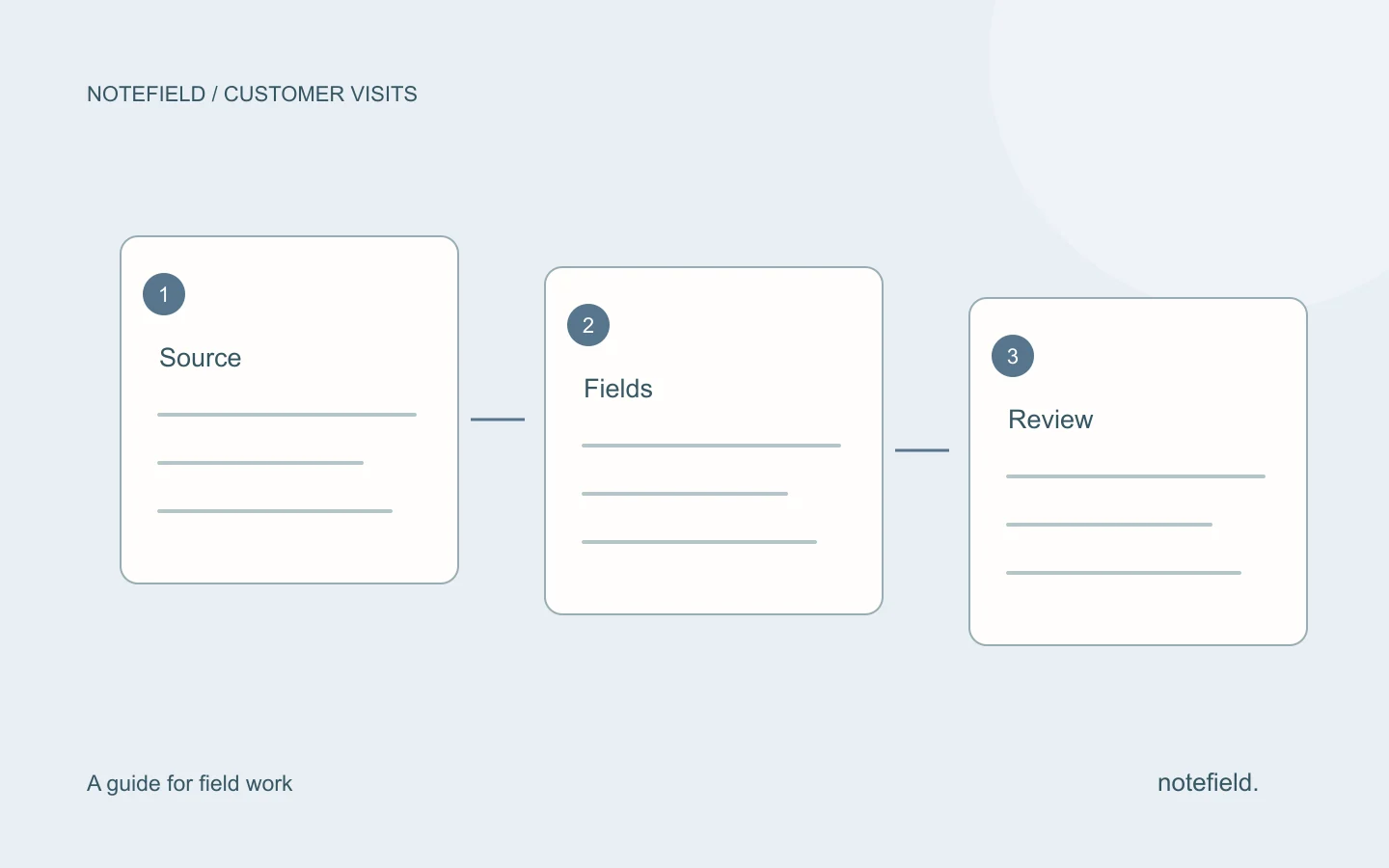
Transcription converts speech into text. Voice-to-CRM adds a business step: identify the record, propose structured information and write to the correct objects after the required checks. An accurate transcript can still produce an incorrect update when it is attached to the wrong opportunity.
“The budget still needs approval” may support a note or a risk flag. It does not justify entering an approved budget or marking the opportunity as won. The software should make these distinctions visible. Our guide to updating a CRM after a field visit explains this stage.
What should you test on your own visit?
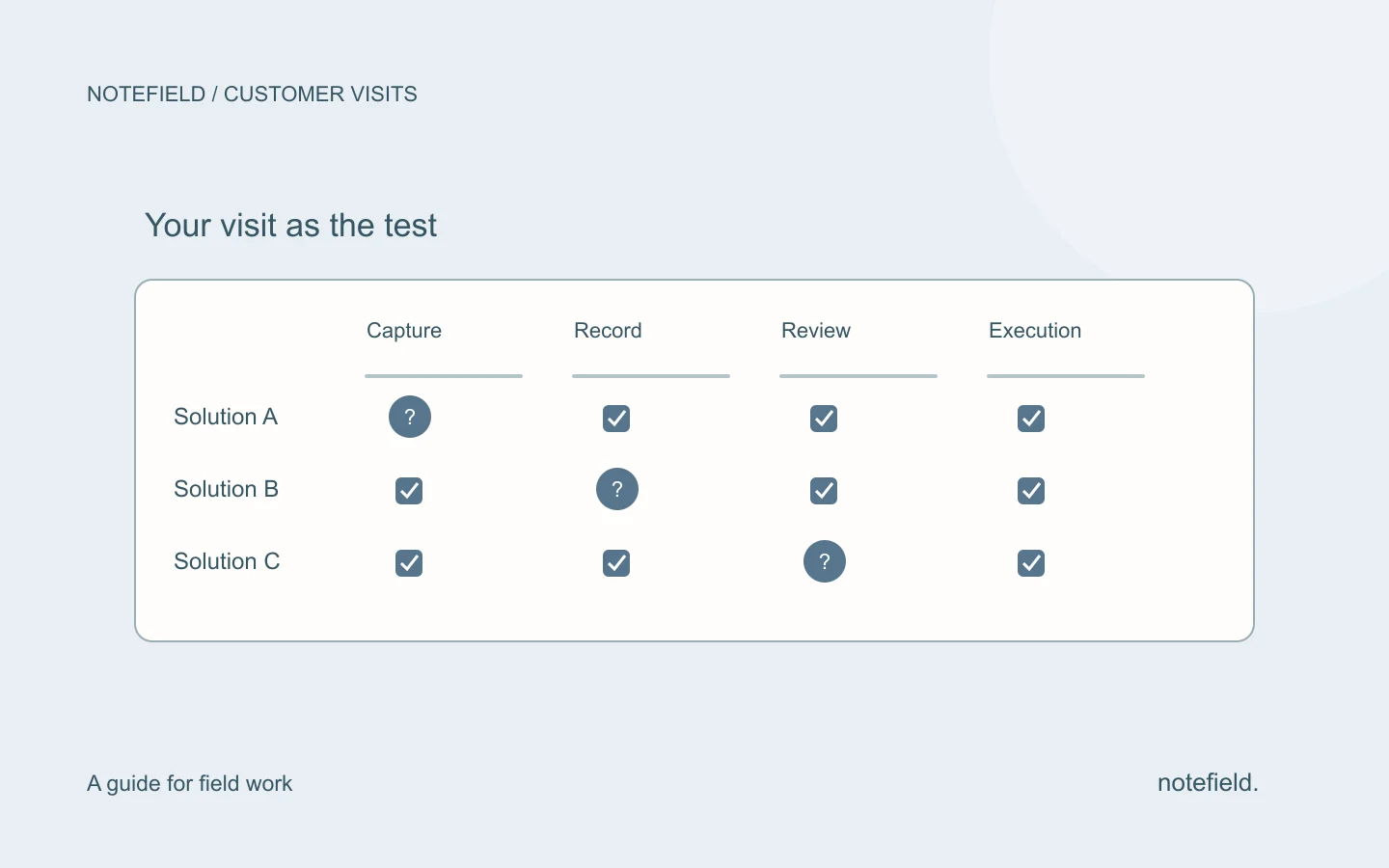
Use the same anonymized recap for every solution. Include an ambiguous contact name, a relative date, an uncertain budget and an action that already exists in the CRM. These cases test context handling beyond a prepared demonstration.
| Criterion | Practical test | Result to observe |
|---|---|---|
| Capture | Dictate on a phone in your usual working conditions | The recap is saved and unclear passages remain identifiable |
| Record matching | Mention two contacts with the same name | The correct record is proposed or confirmation is requested |
| Fidelity | Say “amount still to be confirmed” | No approved amount is invented |
| Review | Reject a proposed stage change | The rejection prevents that write |
| Duplicates | Mention the same action in a second recap | An existing action can be distinguished from a new task |
| Connection failure | Simulate a failure with the demo team | The interface distinguishes a proposal, a failure and a saved change |
Ask who can listen to recordings, read transcripts, change mappings and inspect history. Confirm the retention, hosting and deletion terms for the specific offer. A CRM logo on a website does not answer these questions.
A sample scenario to send to vendors
The following scenario is fictional. It defines expected behavior without claiming a result for a product we have not tested.
Visit on 3 September at Horizon Workshop with Samira, site manager.
Two units are involved. The budget has not been approved.
I need to send Samira a recap on 7 September.
The regional director will decide whether a second meeting is useful.
A task called “send the recap” may already exist.
The expected result is a note attached to the correct account, an unconfirmed budget and a dated action to review. A second meeting is a possibility, not an accepted appointment. If a tool turns these facts into an approved budget and a calendar event, the issue goes beyond summary quality.
How do you decide without an artificial ranking?
If your team already works in Salesforce or HubSpot, test the workflow available within that environment first. This helps establish which permissions, data and actions you already have. If most work happens between visits and across several applications, also compare products presenting a dedicated mobile workflow.
If conversations span construction, maintenance and property visits as well as sales meetings, assess report structure and field action tracking. The usefulness of the record and report may matter as much as writing to a CRM.
Record necessary corrections, lost information, incorrect record matches and the time actually spent reviewing. Compare those observations with your current process on similar visits. Avoid conclusions based solely on a smooth demonstration or a time-saving claim without a measurement method.
Practical questions
What is the best voice-to-CRM tool?
There is no single best tool for every team. The choice depends on your CRM, the objects to change, mobile conditions, review requirements and configuration cost. A test using your visits lets you compare those criteria without inventing an overall score.
Does a CRM assistant necessarily accept spoken visit recaps?
No. An assistant inside a CRM does not establish a complete mobile voice workflow. Verify capture, transcription, record matching and writing in the exact offer you are considering.
Does notefield replace a CRM?
notefield focuses on field conversations, reports and actions. That does not imply replacing pipeline, billing or governance functions in your CRM. Request a demonstration of your scenario and required connections.