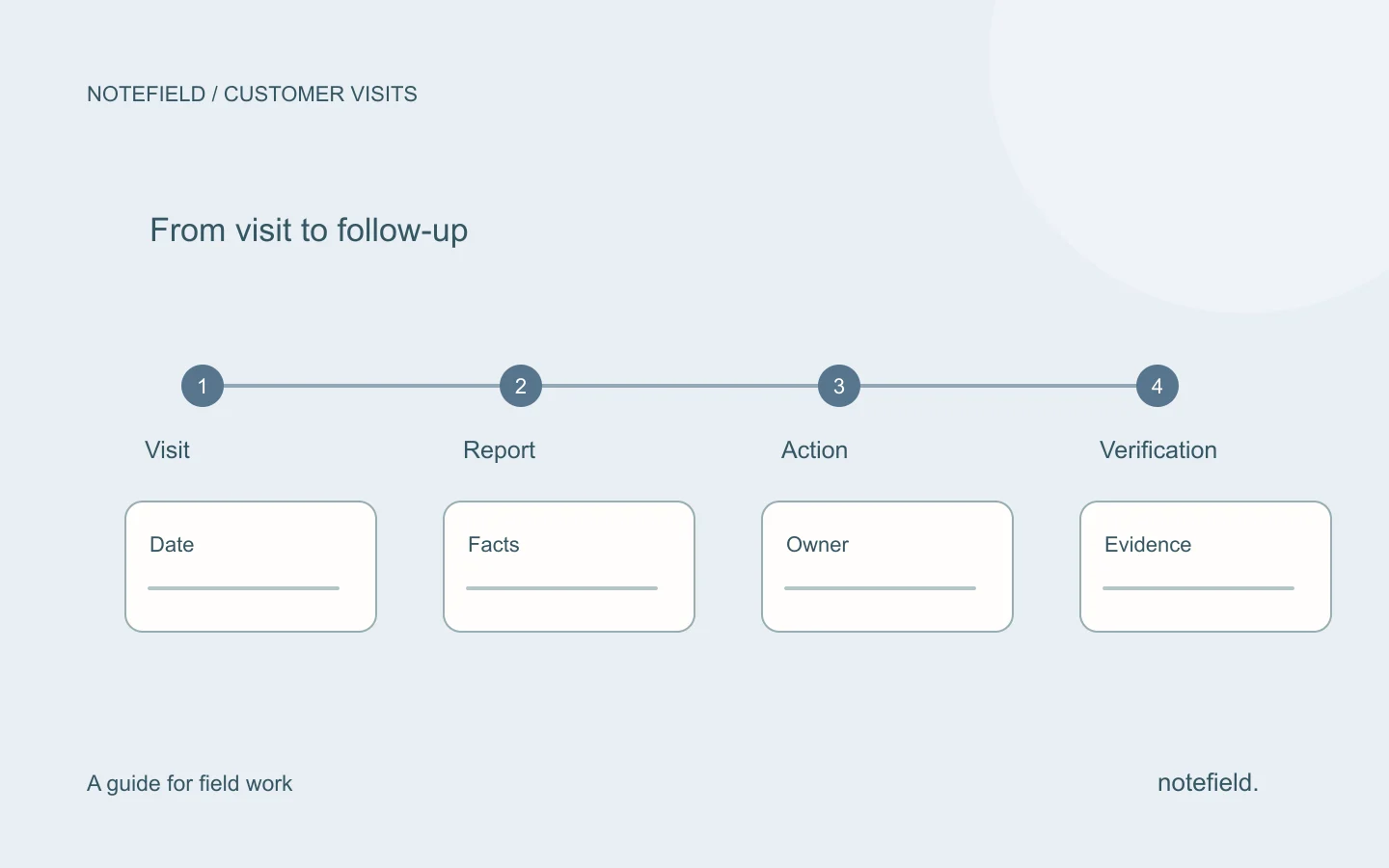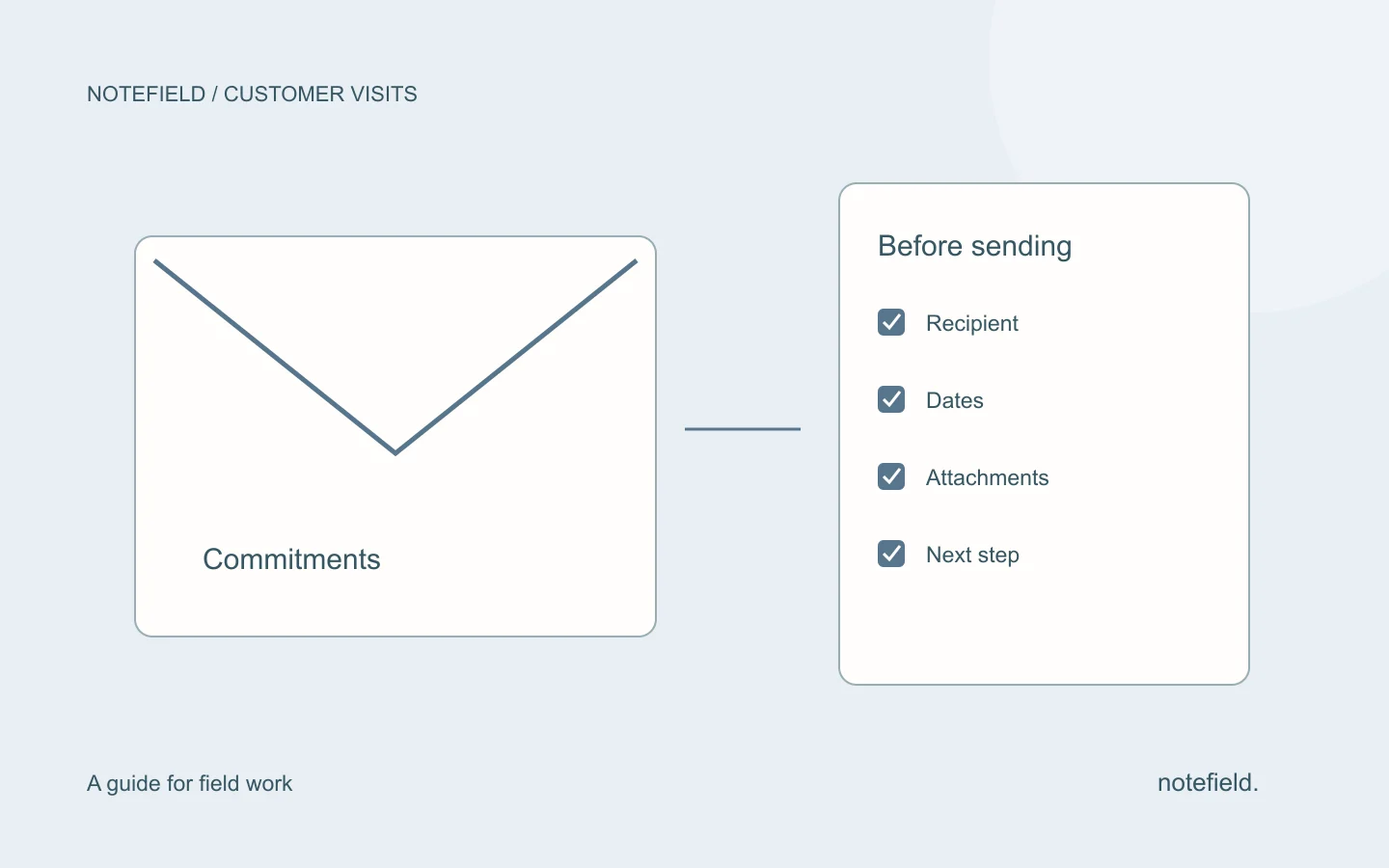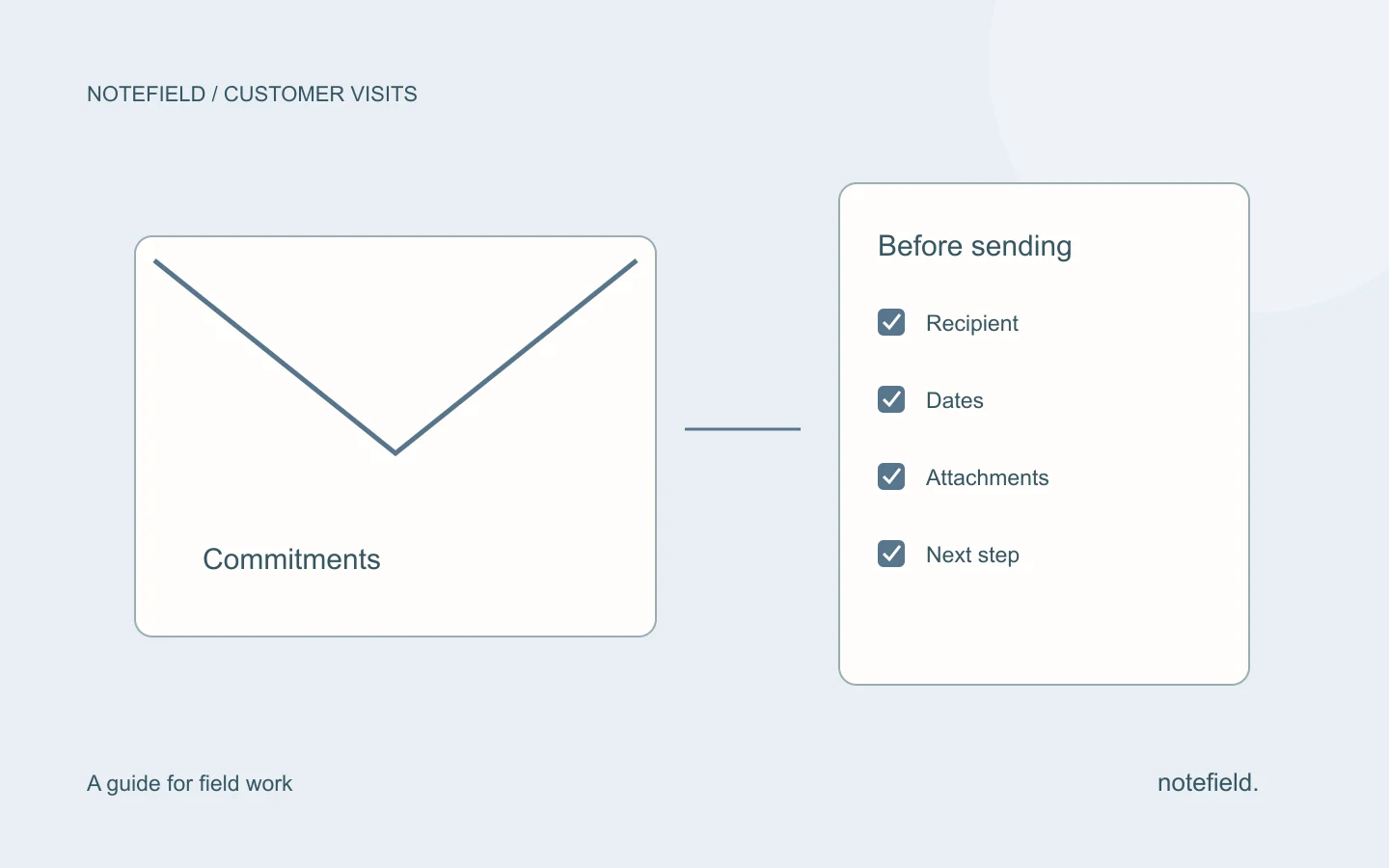
A post-meeting follow-up email confirms what was understood, records commitments and sets out a clear next step. It should let the customer correct an error or answer a specific question. Use facts from the visit, distinguish agreed actions from open decisions and check attachments before sending. A short, accurate message is more useful than an exhaustive conversation summary.
What belongs in a post-meeting email?
| Element | Purpose | Fictional example |
|---|---|---|
| Subject | Identify the meeting and next step | Following our 3 September visit — two options |
| Context | Recall the shared topic | You want to compare servicing one unit with servicing both |
| Commitment | Confirm who will do what and when | I will send both options on 7 September |
| Open point | Avoid treating an assumption as an agreement | The budget still needs your director’s approval |
| Next step | Make a specific response possible | Do these options reflect your request correctly? |
Use the customer’s wording when it clarifies the need. Avoid adding urgency, agreement or a level of interest that does not appear in your notes. If several points need answers, separate them instead of ending with a vague “any thoughts?”
Template 1: confirm commitments from the visit
All messages below are fictional examples to adapt. Dates and company names are not notefield customer references.
Subject: Following our [date] visit — [next step]
Hello [name],
Thank you for discussing [specific topic]. My understanding is that [confirmed need or finding].
As agreed, I will [promised action] by [agreed date]. On your side, [customer action, only if agreed].
[Open point] still needs confirmation.
Could you confirm [specific question]?
Best regards,
[Signature]
Remove the customer-action sentence if no commitment was made. Your suggestion does not become an obligation for the other person. Replace every placeholder and check each date before sending.
Template 2: send a requested document
Subject: The two options requested for Horizon Workshop
Hello Samira,
Attached are the two options requested during our visit: servicing one unit and servicing both units.
The document separates the scope of each option. The budget still needs approval on your side.
Does this give you what you need to discuss the options with your director, or is any information missing?
Best regards,
[Signature]
The message should describe the file actually attached. Check its name, version and contents. If you send a link, verify the recipient’s access. Do not write “as agreed” for a date or option you are only proposing now.
Template 3: follow up when there is no reply
Subject: Following up on the options sent on 7 September
Hello Samira,
I am following up on the two options sent on 7 September for Horizon Workshop.
Have you had a chance to review them with your director? If the project has been postponed, please let me know a more suitable time to reconnect.
Best regards,
[Signature]
This follow-up recalls the context and allows for postponement. It invents neither a deadline nor confirmed interest. Before sending, check whether a reply arrived through another channel or a colleague.
When should you send the recap and follow-up?
Start with any date promised during the meeting. If no date was agreed, send the recap once the information is verified and while the discussion is still easy to resume. Timing depends on the document to prepare, data availability and the customer’s working habits; no deadline guarantees a response.
For a reminder, consider the agreed next step and the time the recipient needs. If the customer said a decision would happen next month, daily reminders do not make your follow-up more relevant.
How do you start from a report or voice note?
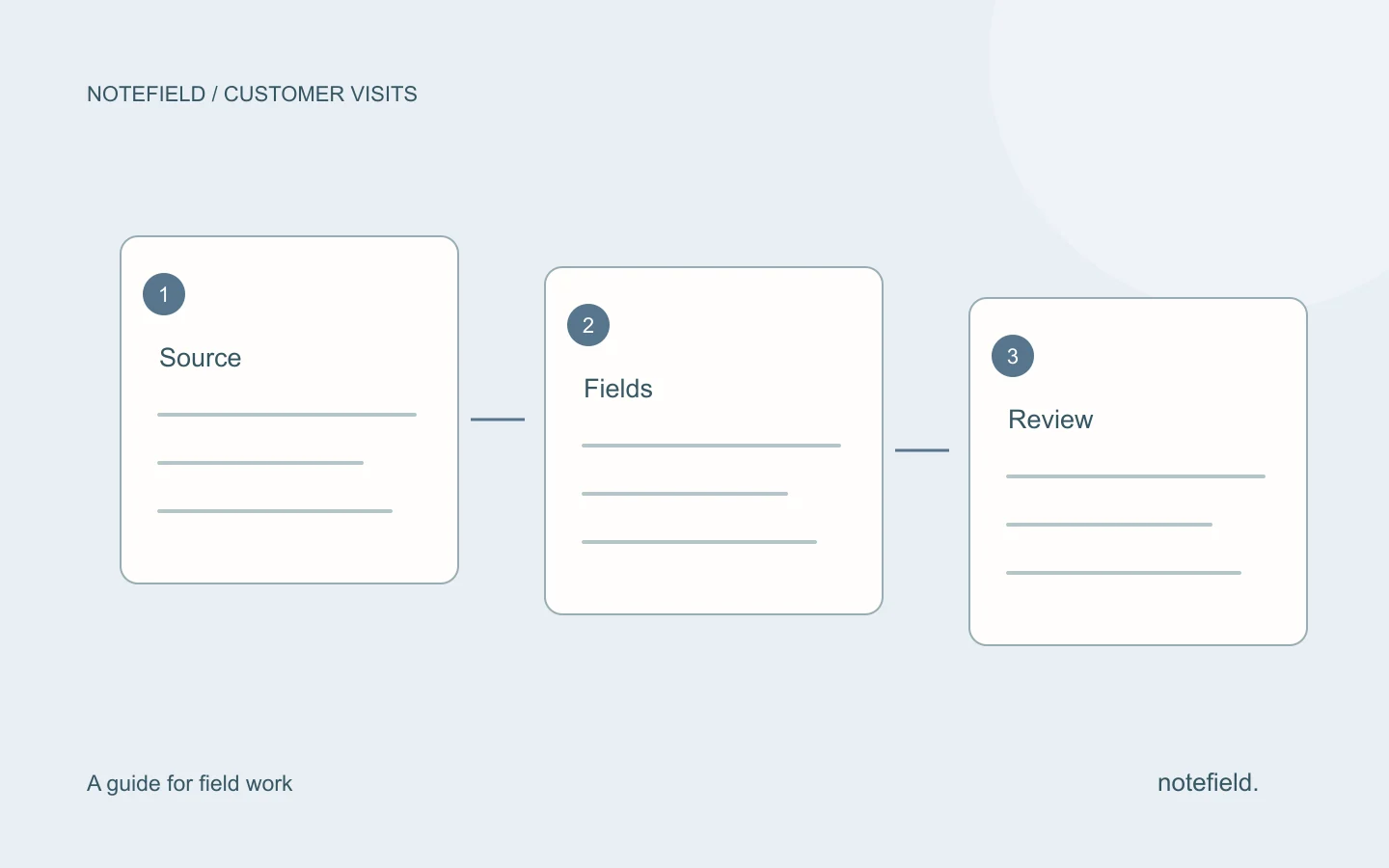
First extract the need, commitments, promised information and open points. The customer visit report template helps retain this context. For spoken input, our voice note to report method explains how to separate facts from suggestions.
You can then request a draft using this instruction:
Draft a follow-up email from the notes below. Use only confirmed facts and commitments. Do not invent prices, dates, attachments or decisions. List missing information separately. End with the agreed next step or a specific question for review.
Notes: [paste reviewed information]
notefield, a product of Y SAS, organizes field conversations and reports. Review the result before turning it into a customer message. Preparing text does not establish that it was sent; the steps and connections in your process still need confirmation.
Practical questions
Should you send the whole report to the customer?
Not necessarily. An internal report may contain assumptions, third-party data or observations that do not belong in the message. The email should include information useful to its recipient and the commitments relevant to them.
What subject should you use after a customer visit?
Choose an identifiable subject: the date, topic or expected document. “Following our visit — two service options” gives more context than “Follow-up” or “Urgent” without a specific reason.
Can AI generate the follow-up?
Yes, as a draft based on verified information. Check the facts, recipient and commitments before sending. Our guide to sales follow-up automation explains the checks and action states to retain.