Sales follow-up automation turns meeting information into proposed messages, reminders and CRM changes. A reliable process starts from a reviewed source, separates facts from suggestions and verifies which actions actually happened. Begin with one step, such as preparing a follow-up draft. Expand the scope after observing corrections and exceptions on your own visits.
What can you automate after a customer visit?
Useful automation prepares a clearly defined action. “Handle the follow-up” is too broad: drafting a message, proposing a date and changing an amount have different consequences and review requirements.
| Step | Prepared output | Check before use |
|---|---|---|
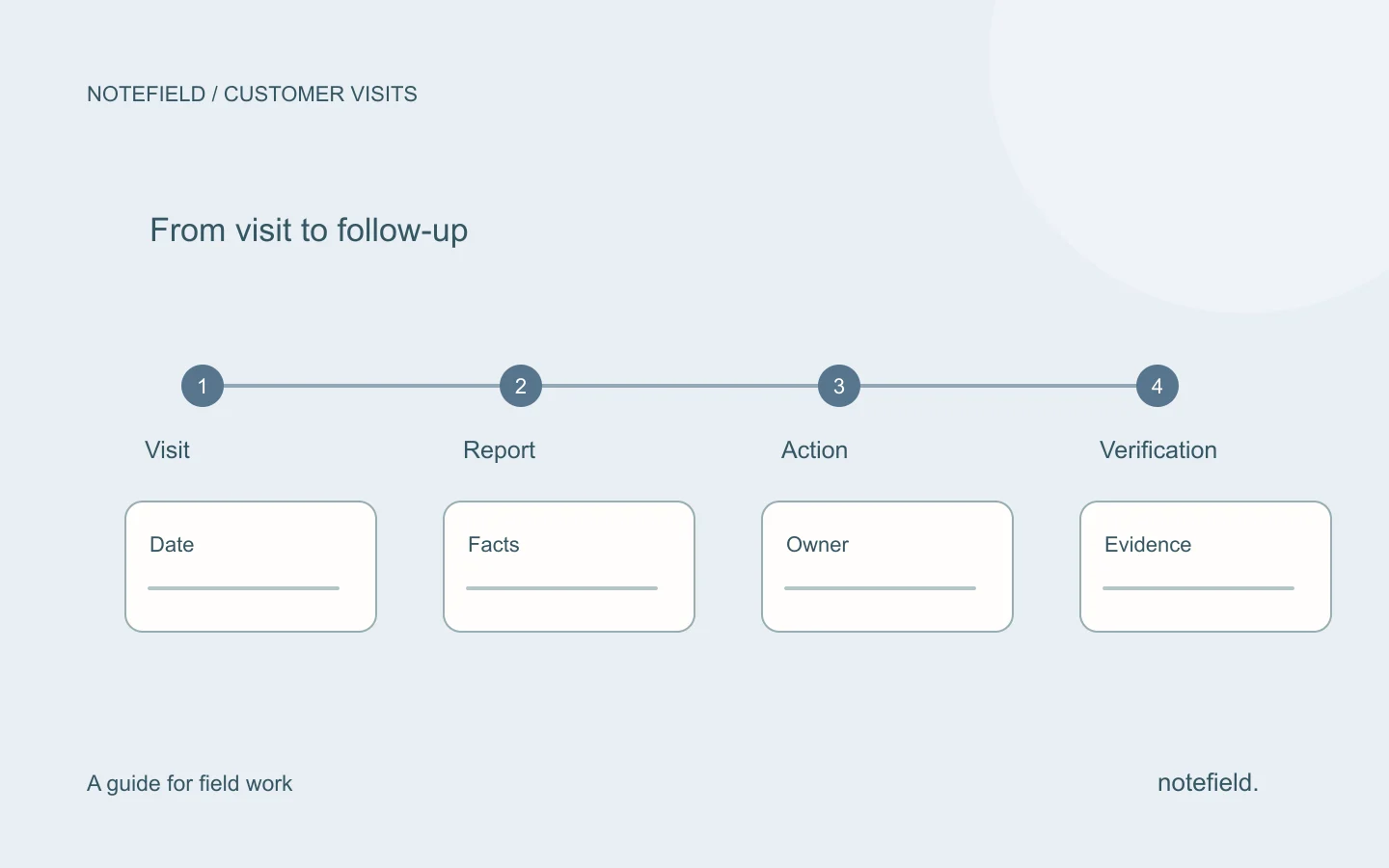
| Summarize the visit | Facts, open questions and commitments | Compare with the available recap or notes |
| Prepare CRM changes | Proposed fields and target record | Confirm the contact, values and opportunity stage |
| Draft the message | Customer-facing draft | Review recipient, dates, attachments and promises |
| Organize next steps | Actions with owners and due dates | Confirm ownership and distinguish proposed from agreed dates |
| Verify execution | Status of each action | Inspect the result in the destination system |
A proposed task is not a created task. A drafted message is not a sent message. Display these states separately so the salesperson knows what remains to be done.
What source should you keep?
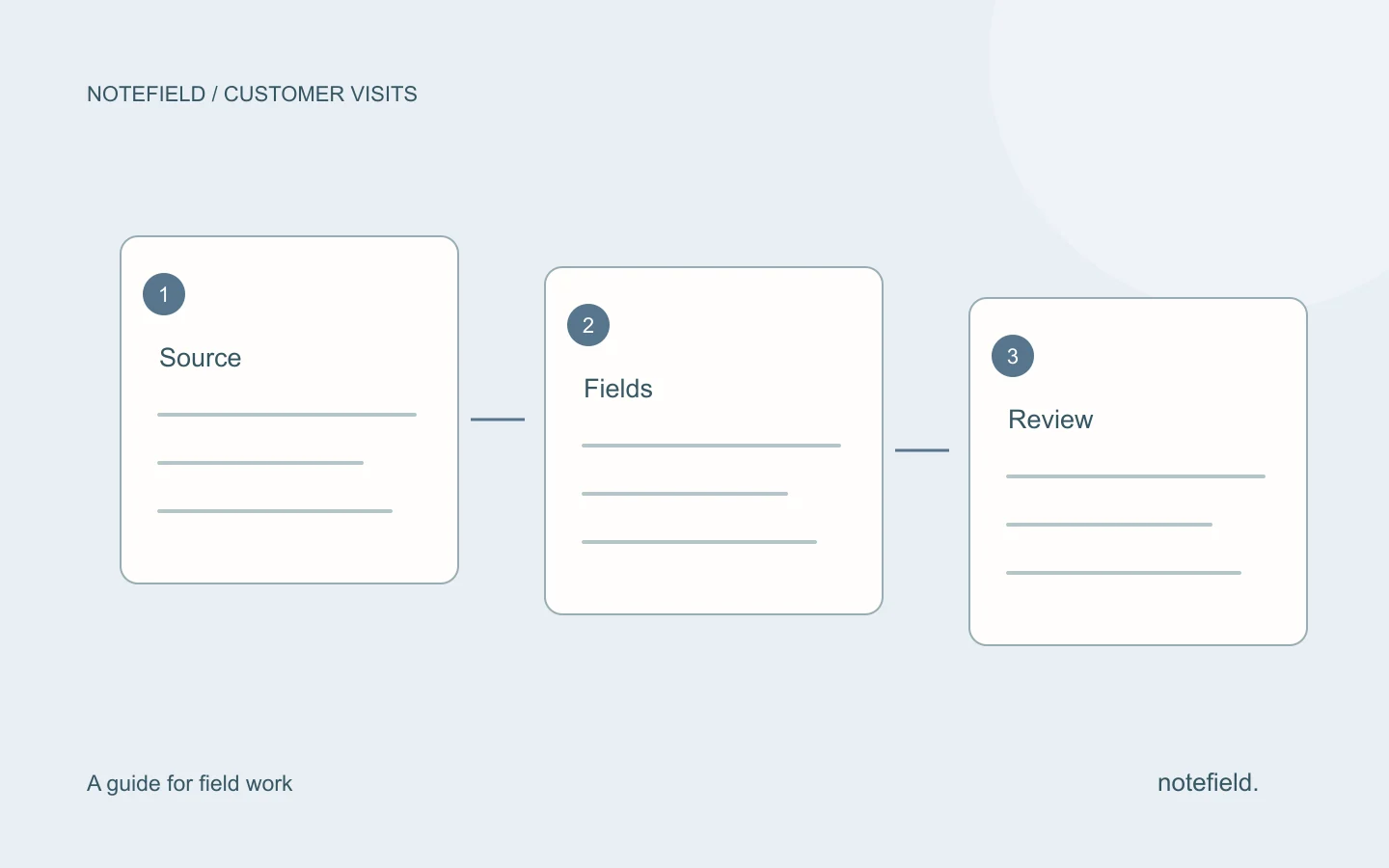
The starting point can be a written note, a report or a spoken recap after the visit. It should identify the customer, date, participants, new information and commitments. When a statement is uncertain, preserve that uncertainty in the output.
“They are considering a €20,000 budget” does not mean the amount is approved. “I could send a proposal on Friday” is not necessarily an agreed commitment. Automation can request clarification or flag an item for confirmation; it should not silently resolve those ambiguities.
The customer visit report template provides a starting structure. If your source is spoken, use the voice note to report method before preparing external actions.
A complete example: from recap to follow-up
This example is fictional. It describes a proposed process, not a customer result or an automation whose availability is guaranteed.
Visit at Horizon Workshop with Samira on 3 September.
She wants to compare servicing one unit with servicing both units.
Her director still needs to approve the budget.
I promised two written options by 7 September.
Samira will then tell us whether a meeting with the director would be useful.
The report records the comparison request and pending budget. A proposed CRM next action could be: prepare two options, owned by the salesperson, due on 7 September. It should not include an invented purchase decision.
The follow-up draft could then read:
Hello Samira,
I confirm that I am preparing two options: servicing one unit and servicing both units. I will send them on 7 September.
The budget remains subject to approval on your side. After your feedback, we can decide whether a discussion with your director would be useful.
Best regards,
[Signature]
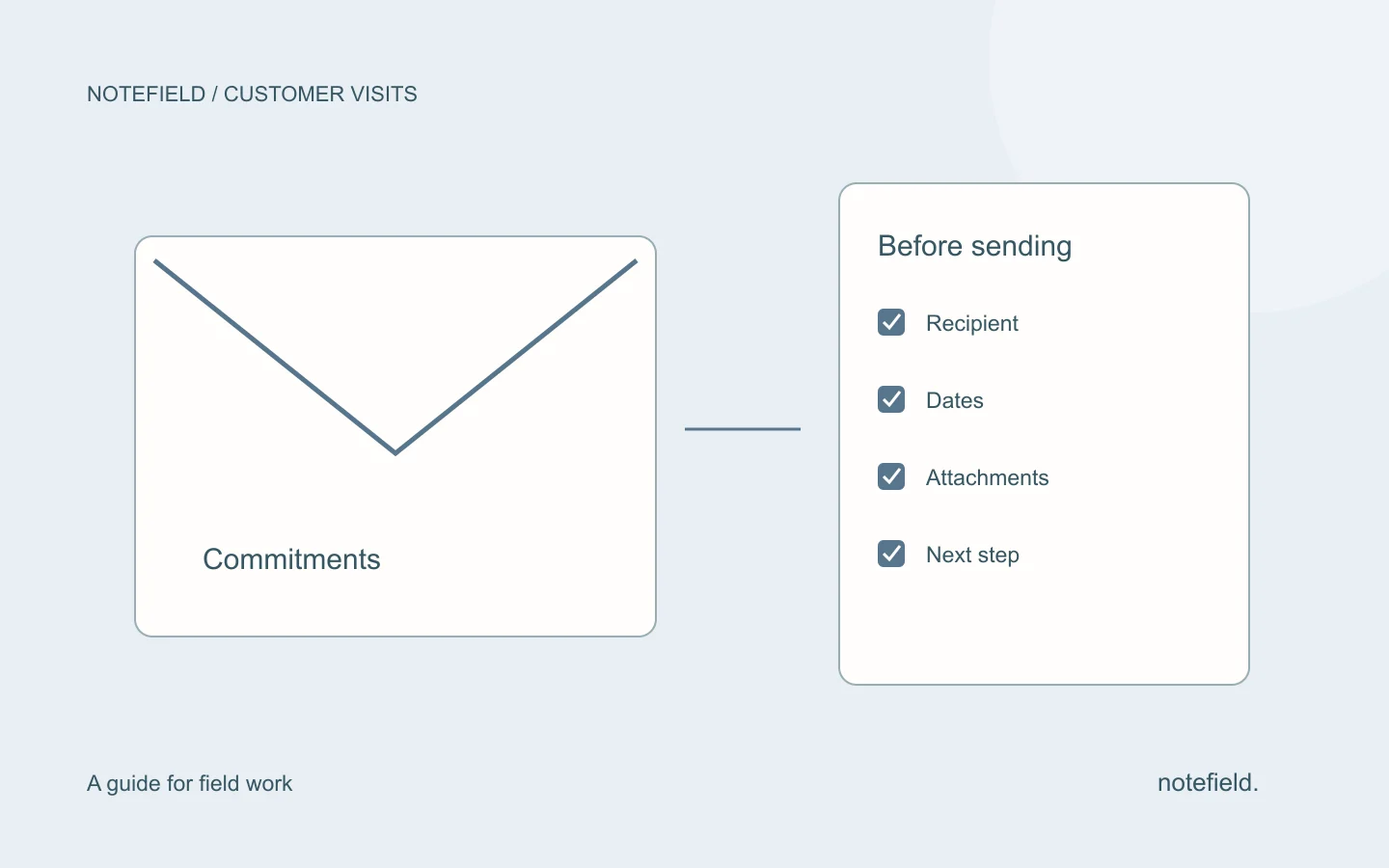
Before sending, the salesperson checks the date, options and address. After sending, they verify that the message appears in sent items. A “completed” label in a drafting tool is not a substitute for that evidence.
How should you handle duplicates and failures?
Associate each proposal with its source and an identifiable action. If a report is revised, check that it updates the existing proposal instead of creating a second task. If two visits mention the same promise, someone should be able to link them to the same follow-up.
When a connection fails, preserve the draft and clearly show what was not saved. Before retrying after an uncertain response, inspect the destination system: the first attempt may have succeeded. This check helps avoid duplicate messages or tasks.
For actions shared across field roles, use a field action register with owner, due date, status and completion evidence. The report explains where an action came from; the register tracks its progress.
How should you evaluate an initial trial?
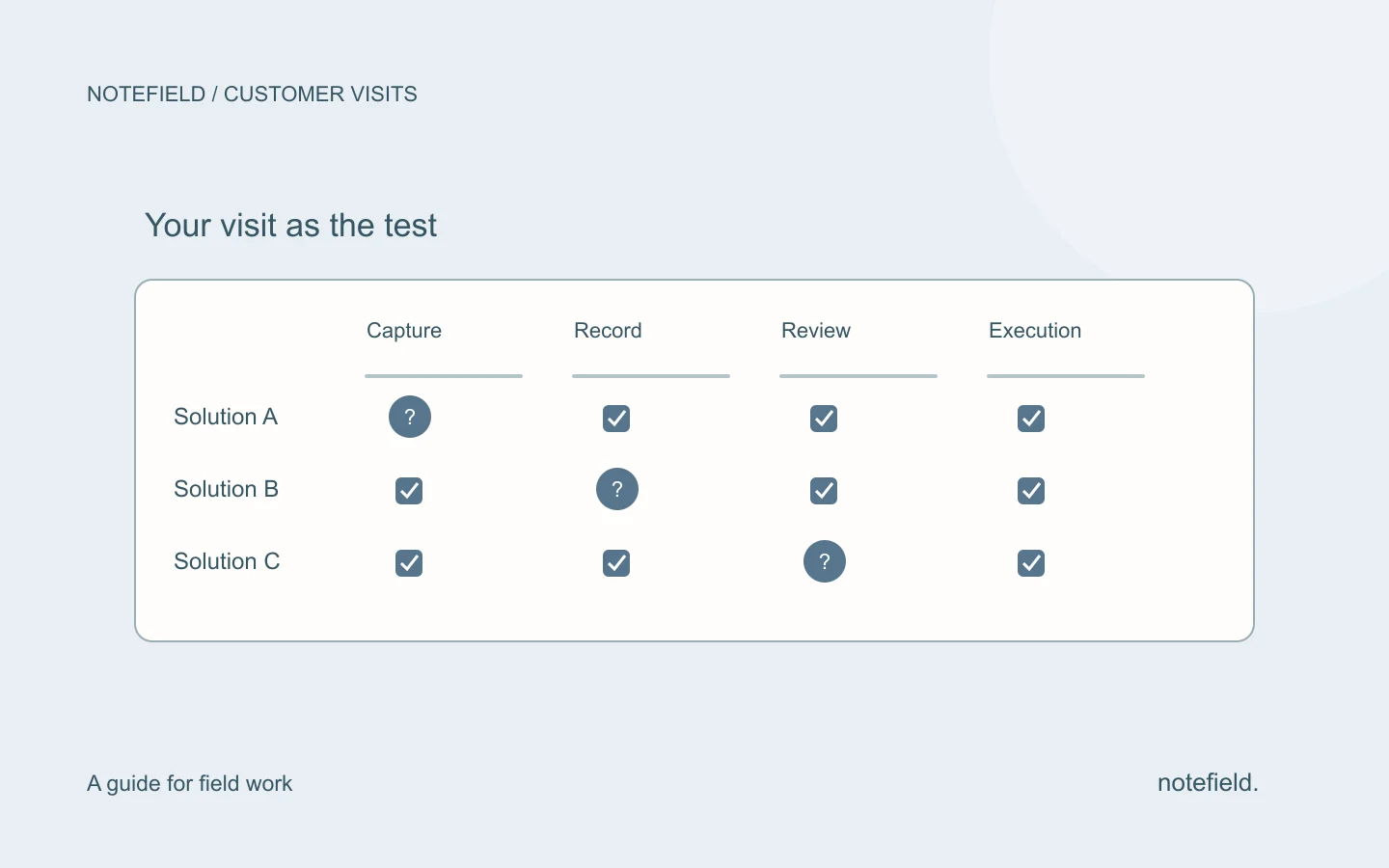
Choose one visit type and one output. Compare representative cases with your usual process, including ambiguous situations. Do not select only the easiest recaps.
| Observation | Decision it supports |
|---|---|
| Information added without a source | Tighten instructions or narrow the scope |
| Corrected dates and names | Improve capture and review checks |
| Incorrect CRM record matches | Revisit record matching and request confirmation |
| Preparation and verification time | Assess the real cost of the complete process |
| Duplicates or poorly signaled failures | Fix execution before expanding deployment |
Numerical targets should come from your baseline. Less drafting time is not enough if correction time grows or incorrect promises are sent.
Where does notefield fit?
notefield, a product of Y SAS, helps organize field conversations, reports and next actions. A reviewed report can support your sales follow-up. Confirm the connections and review steps your organization needs in a demonstration before relying on an action in another tool.
Practical questions
Should follow-up emails be sent without review?
For an initial process, prepare a draft and review it. Names, dates, attachments and commitments affect the customer relationship. Any move toward automated sending requires explicit rules and reliable exception handling.
Must the CRM be updated before drafting the email?
Both can be prepared from the same verified facts. Consistency matters more than a universal sequence. An uncertain value should become neither a confirmed CRM field nor a promise in the message.
Which automation should come first?
Choose a repeated task whose output is easy to check: an email draft or a proposed next action. Evaluate fidelity and corrections before moving to more consequential writes.