Field team action tracking connects each decision to an expected result, an owner, a deadline and a verifiable status. A task list is not enough if the team cannot tell where a request came from, what blocks it or what would prove it is complete. Start with a reviewed report, then confirm ownership with the people involved.
Which fields make an action usable?
| Field | Question to resolve | Example |
|---|---|---|
| Source | Why does this action exist? | Visit INT-024, question about a missing document |
| Result | What is expected? | Correct document checked and shared with the contact |
| Owner | Who is accountable for the next step? | Clara, with support-team input |
| Due date | What date was agreed? | 11 September, or “to be confirmed” |
| Dependency | What needs to happen first? | Supplier reference received |
| Completion | How will the result be checked? | Document sent and the right version confirmed |
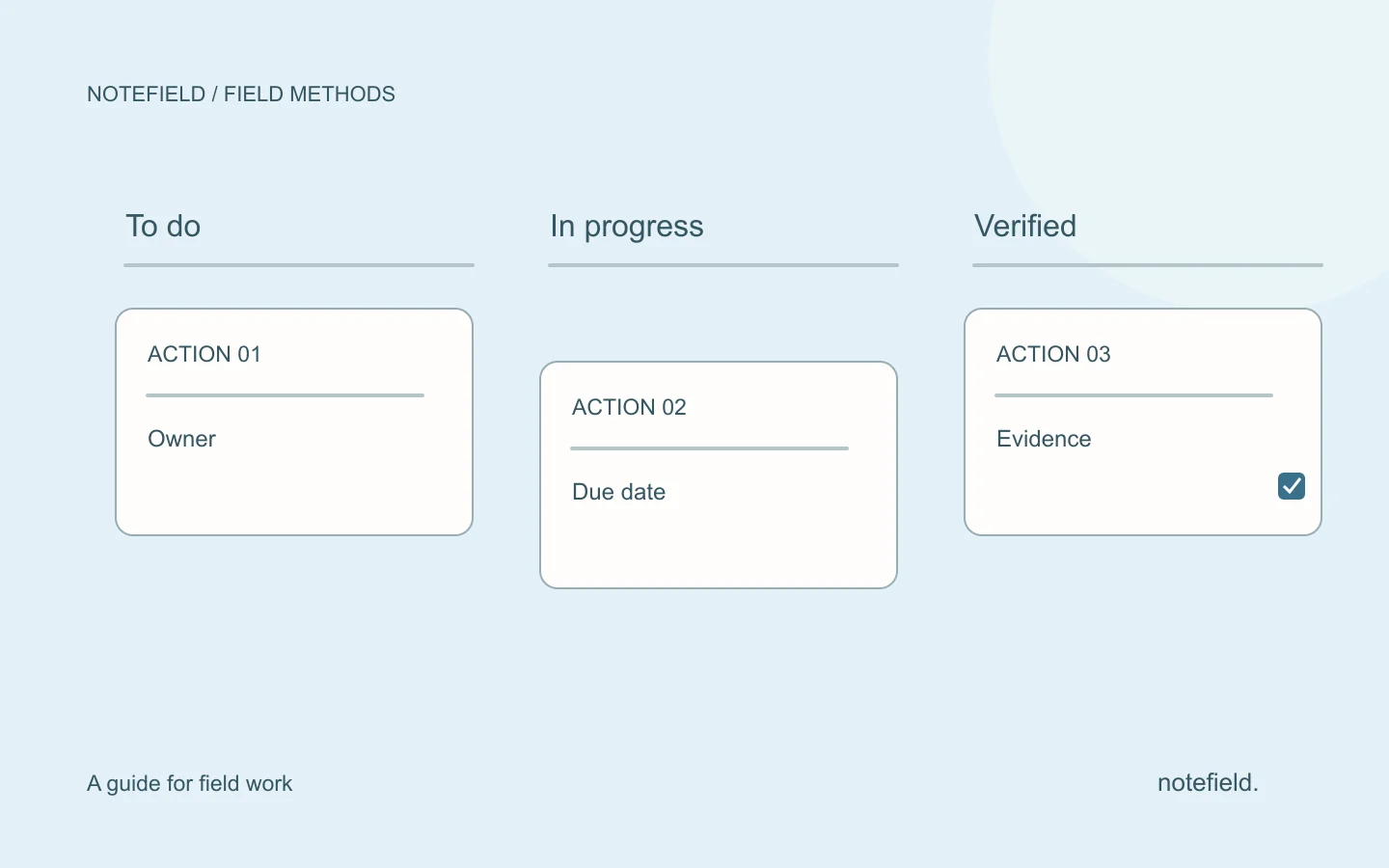
The owner does not necessarily perform every step. The owner carries the next action and can explain its status. If several people work in sequence, create linked steps rather than an undefined collective owner.
A five-step method
1. Extract actions from the report
Identify commitments, requests and open questions. Keep ideas separate until a next step has been agreed. “We could request a quotation” is not yet “Clara requests a quotation on Friday.”
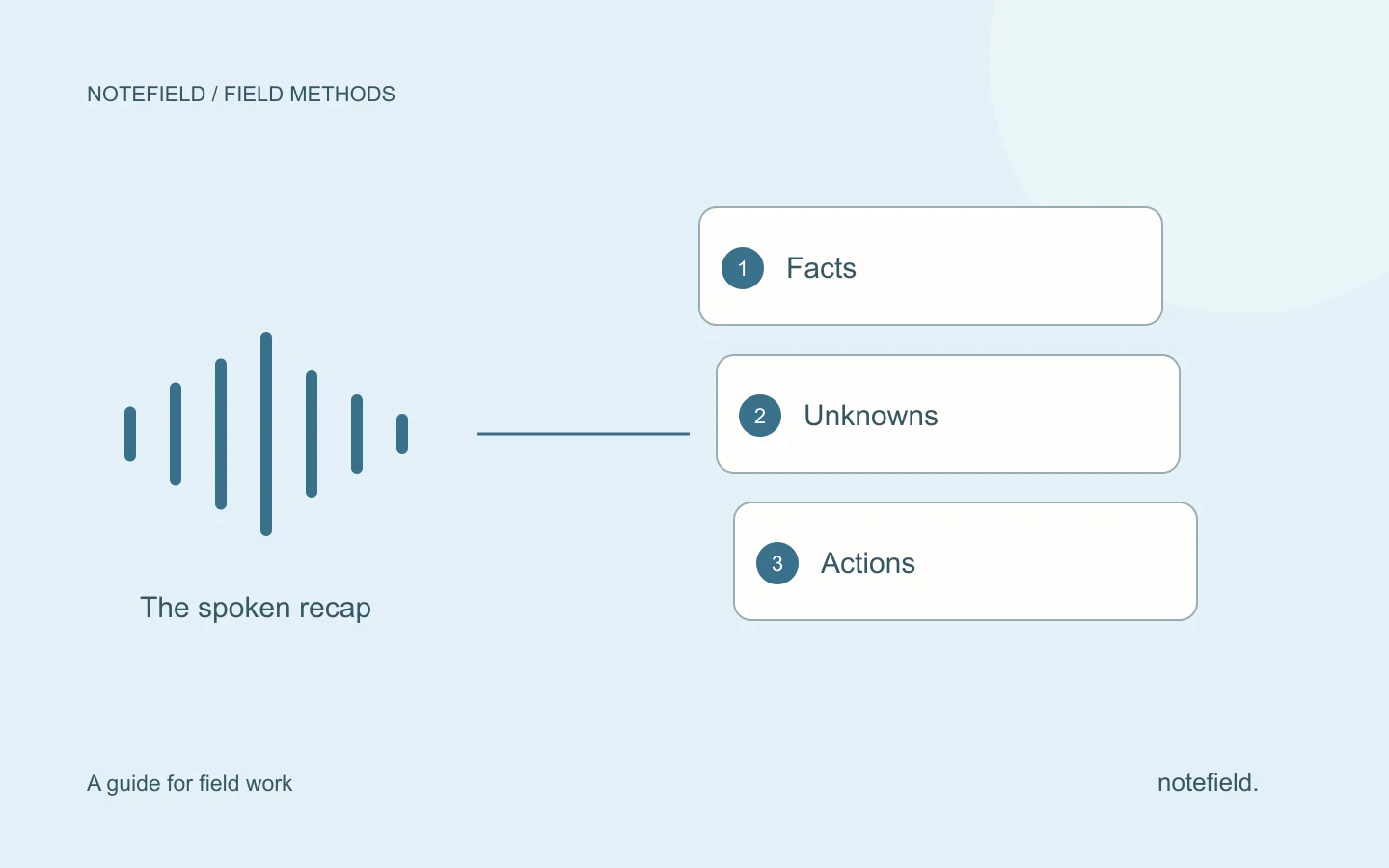
The voice note to report method preserves that distinction during drafting. Each action should retain a link to the passage or document explaining its origin.
2. Confirm the expected result
Replace vague verbs with a deliverable or observable outcome. “Check with the supplier” might mean checking stock, requesting a reference or obtaining a price. Decide which result is needed next.
A useful title stays short: “Confirm reference and availability of part P-04.” Supporting detail belongs in the context, not in an unreadably long task title.
3. Agree ownership and timing
Confirm the owner and due date. If a date cannot yet be set, assign the action needed to establish it. Do not add an arbitrary date simply to complete the table.
When handing over, state what has already been done and who is waiting for the outcome. A handoff is complete when the next person has the necessary context, not merely when a name changes in a column.
4. Make blockers visible
A blocked action is still active. Record the dependency, next contact and review date. “Waiting” without an explanation does not help anyone decide whether to intervene.
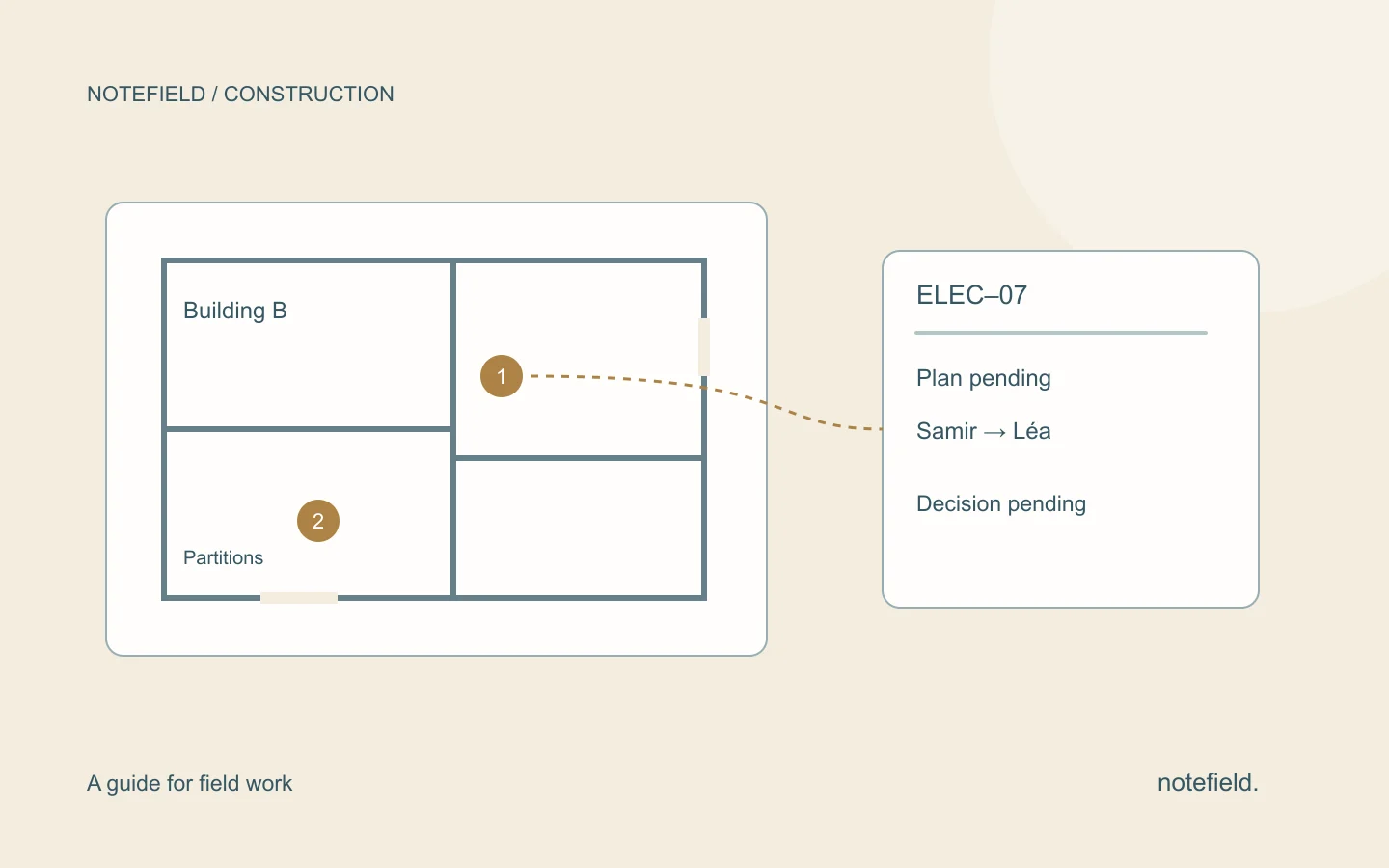
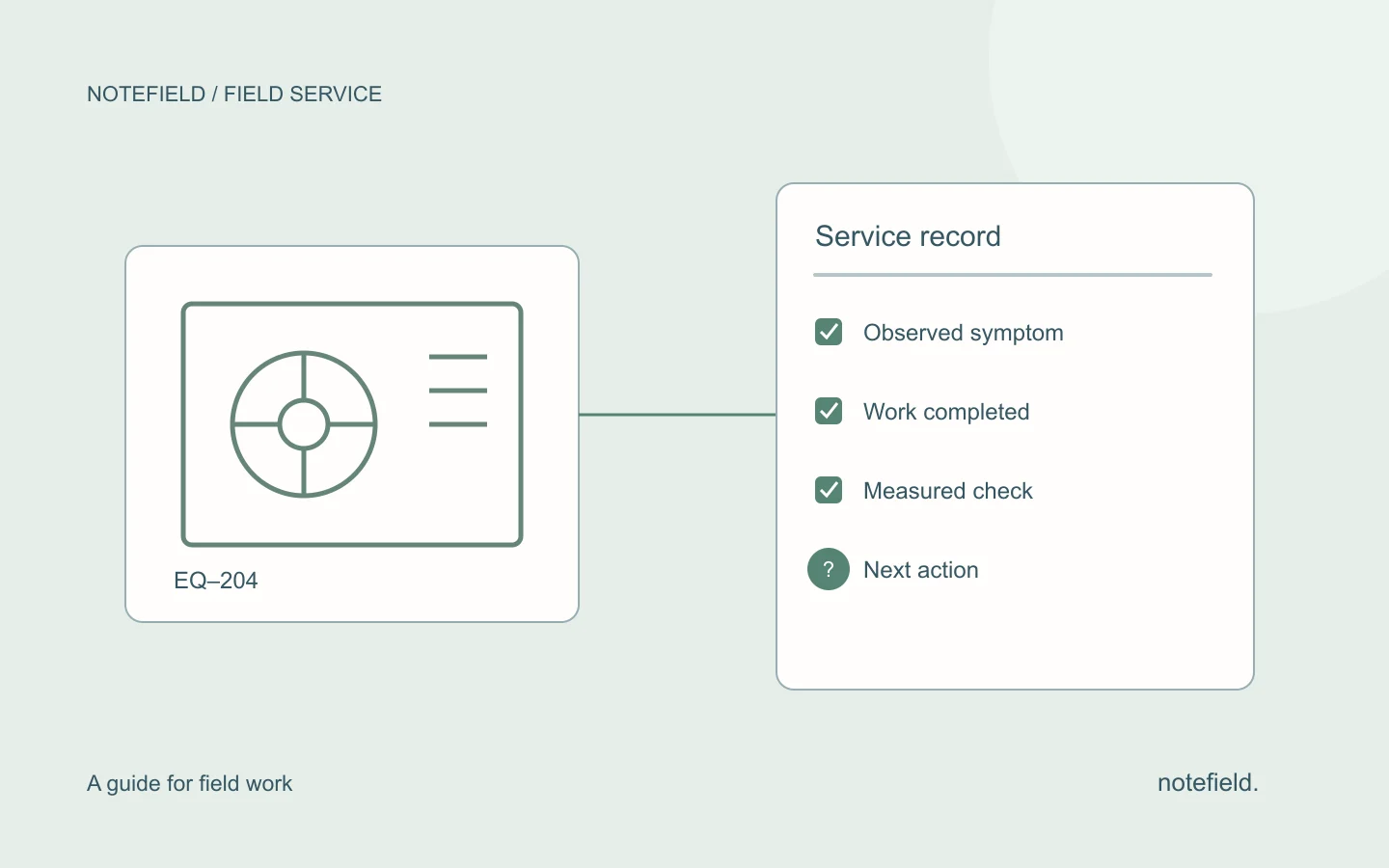
On a construction site, one trade may be waiting for another trade’s document. In maintenance, a part’s availability may determine the return visit. The register should show that relationship without suggesting that the final task has already been scheduled.
5. Close against a checked outcome
Define what “done” means. A document may be drafted but unsent, sent but incomplete, or received but unapproved. Choose the completion condition that matters for the work, then record the date and evidence supporting closure.
Worked example: three linked actions from one visit
This fictional example shows work dependencies. It is not a customer result.
| Action | Owner | Due date | Dependency | Completion check |
|---|---|---|---|---|
| Confirm the part reference | Samir | 9 September | Supplier response | Reference confirmed in writing |
| Agree the return appointment | Lea | After availability is known | Reference and stock confirmed | Appointment accepted by the contact |
| Send the recap | Jules | After the appointment is agreed | Confirmed return date | Reviewed message sent to the right contact |
Scheduling all three tasks for the same day before checking the first dependency creates a misleading impression of control. The register should reveal missing information and let the team update the next steps when that information arrives.
Copyable action record
ACTION — Identifier and expected result
SOURCE — Original visit, meeting or service call
CONTEXT — Why this action is needed
OWNER — Person responsible for the next step
CONTRIBUTORS — People whose input is required
DUE DATE — Agreed date or condition needed to establish it
STATUS — To confirm, open, in progress, blocked, completed and checked
BLOCKER — Missing information, access or decision
NEXT REVIEW — Date and person to contact
COMPLETION — Verified result, useful reference and date
Carry identifiers from one meeting to the next. They help the team resume a discussion without recreating the same action or losing the history of a changed deadline.
Adapt action tracking to the field workflow
For construction, add location and trade. For a maintenance service call, keep the asset and checks already performed. For a property viewing, connect the requested document to the correct property and contact record.
For customer visits, distinguish internal tasks from commitments made to the customer. Field sales activity tracking can focus on next steps without reducing work to a visit count.
notefield helps organize conversations into reports and next actions. The team then confirms ownership, dates and changes in its working tools. A demo using your own example helps check whether the proposed format fits the way your team hands work over.
Practical questions
Do we need a new task management tool?
Not necessarily. A shared table or existing business tool may be enough. Clarify the fields and completion checks before adding another place that people need to maintain.
What if nobody was assigned to the action?
Keep the action unassigned and identify who can decide its ownership. Do not automatically allocate it to the person mentioned most often in the conversation.
How can we measure whether tracking improves?
Compare the share of actions without an owner, without an agreed deadline or closed without enough evidence. Record a baseline and apply the same criteria later. The number of tasks created does not, by itself, measure follow-up quality.