Turning a voice note into a report means converting a spoken account into a structured record of context, facts, decisions, actions and unresolved questions. A transcript reproduces speech; a report organizes information needed for the next step. To keep the result reliable, preserve uncertainty and review names, dates, references and commitments before sharing it.
Transcript, summary or report: what is the difference?
| Format | What it produces | When it is useful |
|---|---|---|
| Transcript | A written version of the spoken words | Checking wording or returning to the source |
| Summary | The main ideas in a shorter text | Quickly understanding what a conversation covered |
| Report | Organized context, findings, decisions and actions | Handing over work and planning the next step |
A summary can be accurate while missing what a colleague needs to act. “The customer wants to move forward” does not identify who should send which document or whether a date was confirmed. Choose the format according to the reader and the work they need to do.
How do you dictate a note that is easy to structure?
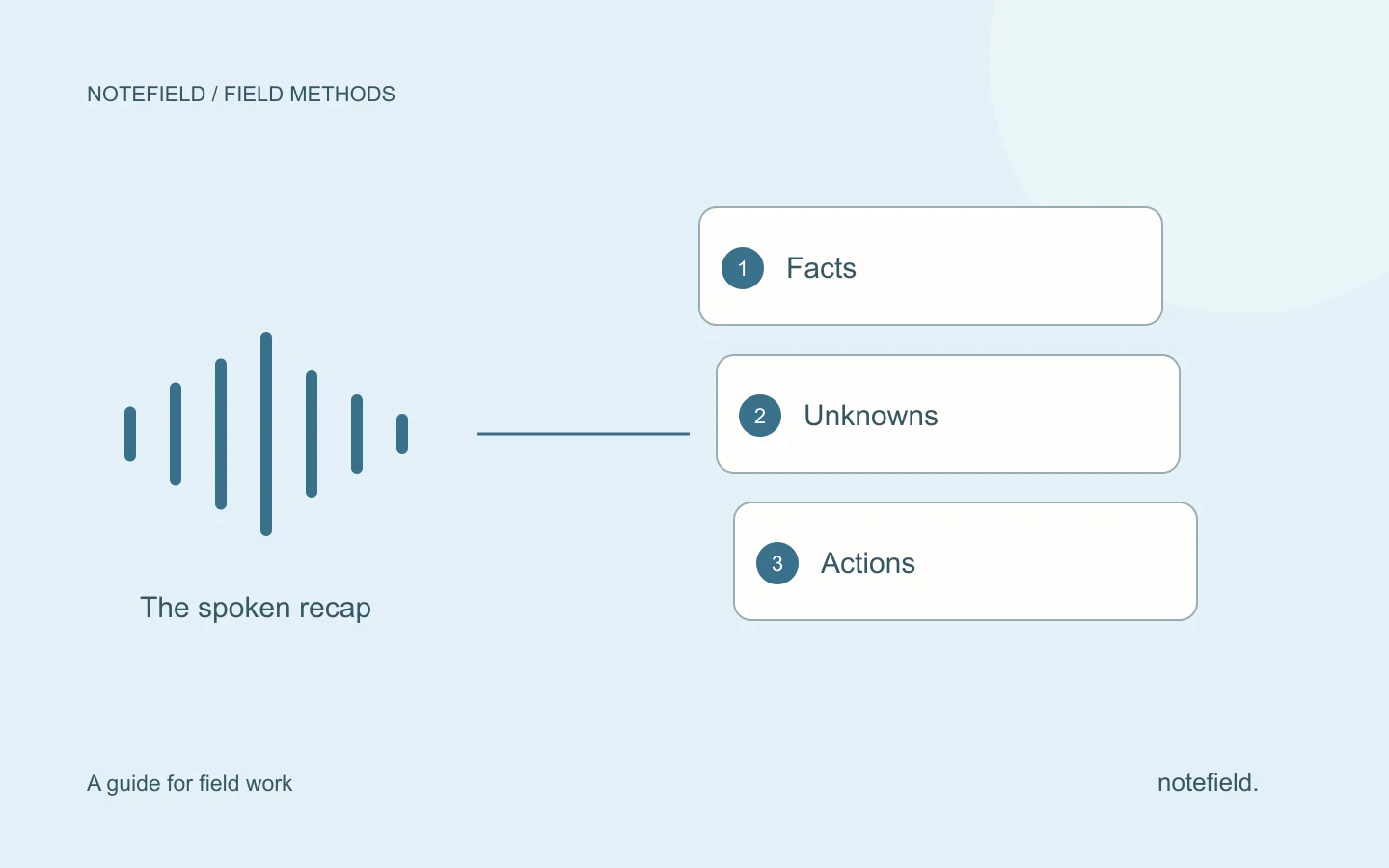
Cover one situation at a time. Start with the case, location or asset. Describe observed facts and reported comments, then finish with decisions and next actions.
- Context: which visit or service call is this about?
- Facts: what did you observe, or what information was reported?
- Decisions: what was confirmed, and by whom?
- Actions: who needs to do what, and when?
- Uncertainty: what is missing or still needs checking?
Pause between sections to separate topics. Spell out unfamiliar references. Turn a relative date into a complete date when you know it. Do not turn “probably Thursday” into a confirmed appointment.
Before and after: keep an unconfirmed date unconfirmed
This is a fictional spoken recap after a visit:
“Visit on 8 September to North Workshop. Lea is waiting for the part reference before confirming our return. Samir needs to check availability tomorrow. We discussed Thursday for the return visit, but it is not agreed. We need to update Lea after the supplier responds.”
A useful report would read as follows:
| Section | Report based on the note |
|---|---|
| Context | Visit on 8 September, North Workshop |
| Reported fact | Lea is waiting for the part reference |
| Confirmed action | Samir checks availability on 9 September |
| Open decision | Thursday was discussed for the return visit but not confirmed |
| Dependency | The supplier’s response determines the next step |
| Missing information | Owner of the update to Lea: to be confirmed |
Samir’s action is explicit. The owner of the message to Lea is not. The report should flag that gap instead of assigning the task to Samir merely because his name appears in the note.
A reusable prompt for structuring a recap
Use this prompt with a writing tool you are permitted to share the content with. It defines the intended output; it is not a guarantee that an AI model will always remain faithful to the source.
Turn the recap below into a work report.
Use only the information supplied.
Produce five sections: context, facts and reported comments, confirmed decisions, next actions, and points to confirm.
For each action, identify the expected result, owner, date and any dependency.
Write “to be confirmed” when an owner, date or reference is missing.
Distinguish a proposal from a decision and a hypothesis from an observation.
Preserve important negatives, limitations and disagreements.
Do not invent a commitment, measurement or technical explanation.
End with the items I need to check against the source before sharing.
Recap: [paste transcript or notes]
If the note covers several cases, ask for separate reports. A contact or deadline assigned to the wrong case is an error even when every individual detail appeared somewhere in the source.
Adapt the structure to the work
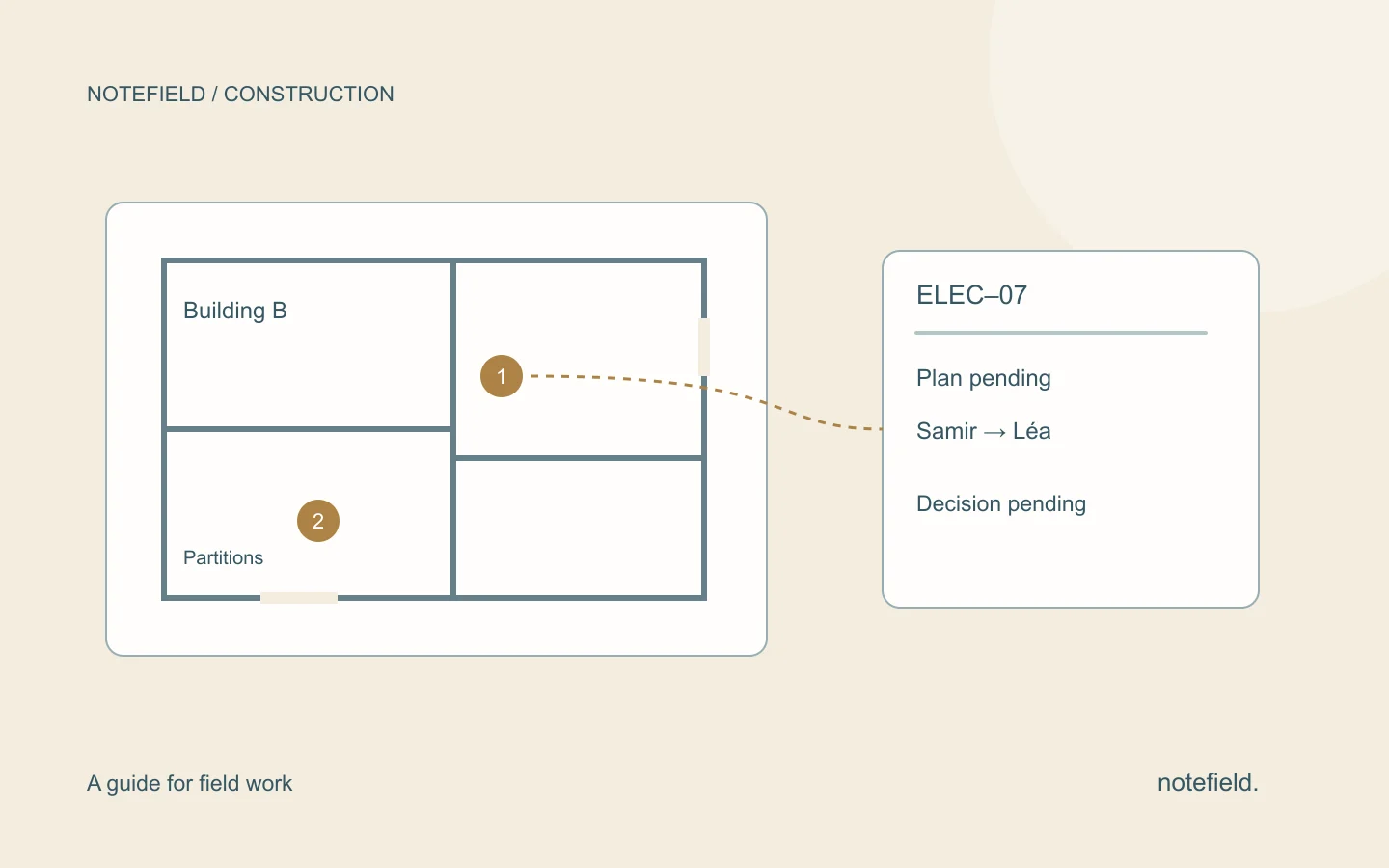
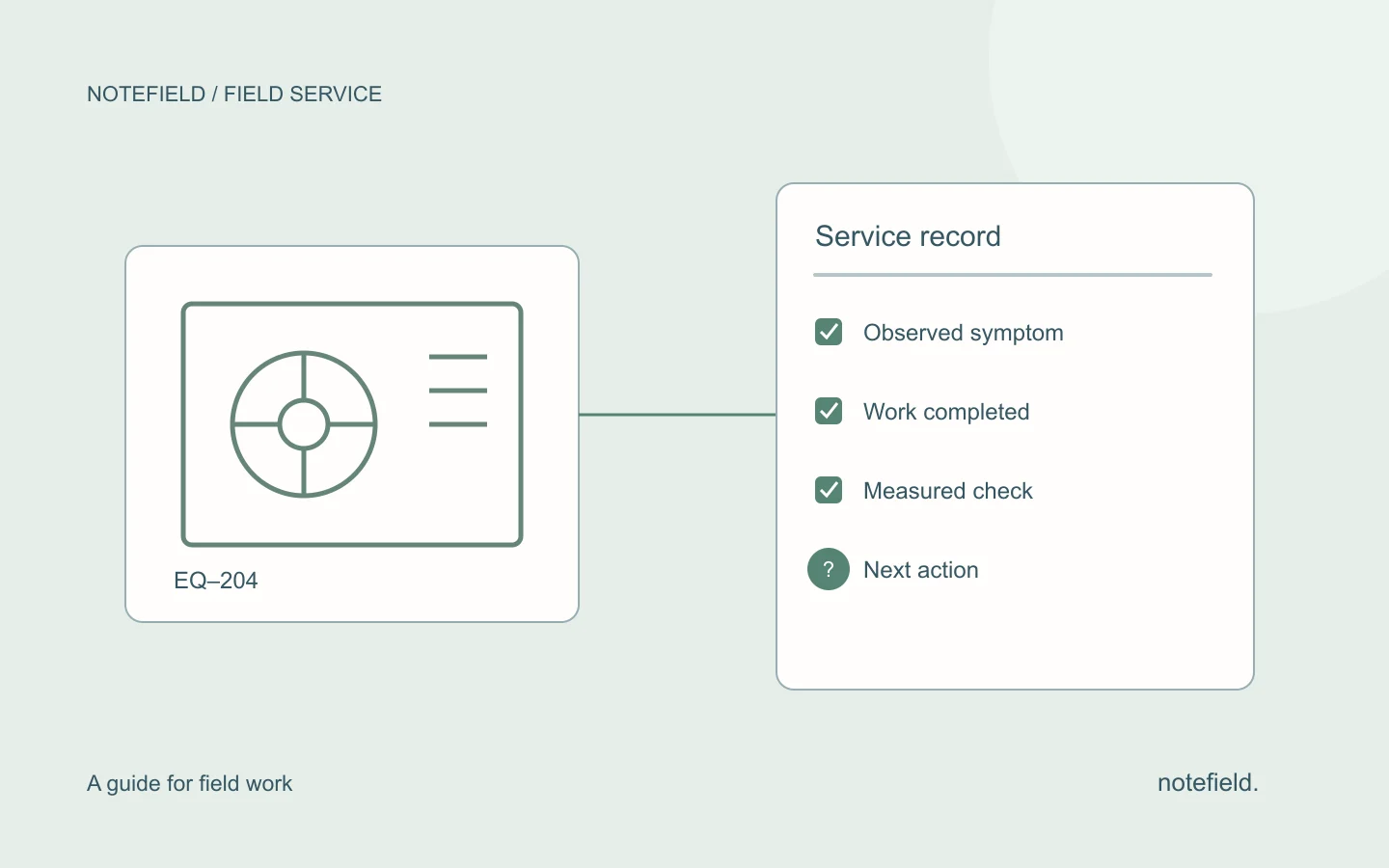
For construction, add location and trade. For maintenance, add the asset, operations and checks. For property viewings, distinguish verified property details from viewer feedback. For customer visits, separate needs, commitments and next steps.
Start with the relevant template: construction site report, maintenance service report, property viewing report or customer visit report.
You do not need to fill every field after every conversation. Remove fields that do not help the situation, or mark missing information explicitly. An overly heavy template encourages misleading default values.
What should you check before sharing?
Read the source and report together. Start with details that trigger action: people, documents, references, deadlines and decisions. Then check quantities, units and negative statements. Finally, make sure the recipient gets the necessary context without unnecessary personal information.
If the recap cannot settle an issue, ask the person involved. Fluent wording does not resolve missing information. Retain the source according to your organization’s rules so that a correction can be explained.
notefield organizes field conversations and voice recaps into reports and next actions. To try it with your own situation, bring a representative note and the output you would like. Check the result against your names, references and incomplete cases.
Practical questions
Do I need to record the full conversation?
No. A personal recap after the visit may be enough when the useful details are still available. A conversation recording provides another source, but its recording arrangements need to be agreed with participants. These capture methods do not provide the same fidelity to exact wording.
Can I send the output straight to the customer?
Review facts and commitments first. Then adapt the content for the recipient. An internal report may include working hypotheses that should not appear as established facts in a customer message.
How do I turn the report into tasks?
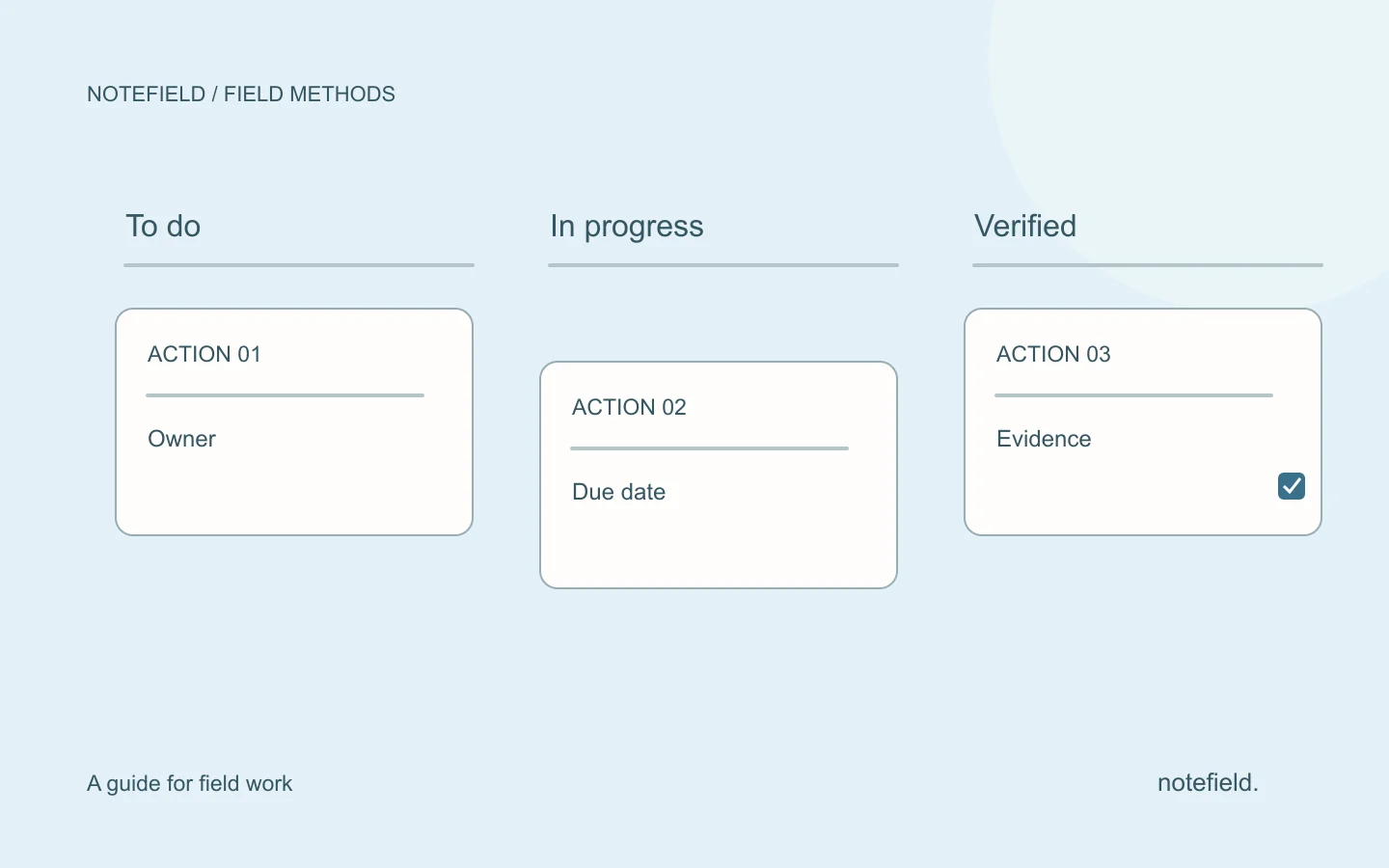
Extract confirmed actions and resolve missing ownership or dates with the team. The field team action tracking guide explains how to keep each task connected to its source.