A template ready to fill in
The Word file includes an editable template and a completed fictional example. Free download, no signup required.
Prefer to dictate after your visit? Create a site report from voice notes ↗
A construction field report, also called a site visit report, records what was observed, what was decided and what needs to happen before the next review. A useful template makes each item easy to find by location and trade, with a named owner and a deadline. Readers should be able to resume the work without reconstructing the entire meeting.
Construction field report, meeting minutes or daily report?
This template is designed for a site visit or coordination review. Pick the record that matches what the next reader needs to know.
| Record | Main purpose | Details to include |
|---|---|---|
| Site visit or construction field report | Record observations from a particular visit | Area visited, observation, photo or drawing reference, and follow-up check |
| Site meeting minutes | Preserve decisions and commitments between participants | Attendees, trades, confirmed decisions, action owners and due dates |
| Daily construction report | Record the day’s activity and conditions | Date, crews, work performed, deliveries, weather and observed events |
For a daily report, add the daily activity fields to the template. A short site visit cannot establish what happened throughout the day, so state when and where you observed the work. Keep project-specific inspections and approvals in their appropriate records.
What the reader needs at a glance
Identify the project, report number, date, author and attendees. Add the next meeting date. These details help readers distinguish the current report from an older version.
Separate the body into observed progress, open questions, confirmed decisions and assigned actions. “Electrical issue to discuss” says very little. “Plant room, electrical trade: contractor to confirm the panel reference before ordering” identifies an unresolved question and the next step.
The French architects’ insurer MAF describes site meeting reports as a written record that should be concrete, organized by topic and trade, and faithful to the discussion. The template below applies that documentation principle. Use the review and distribution process agreed for your project.
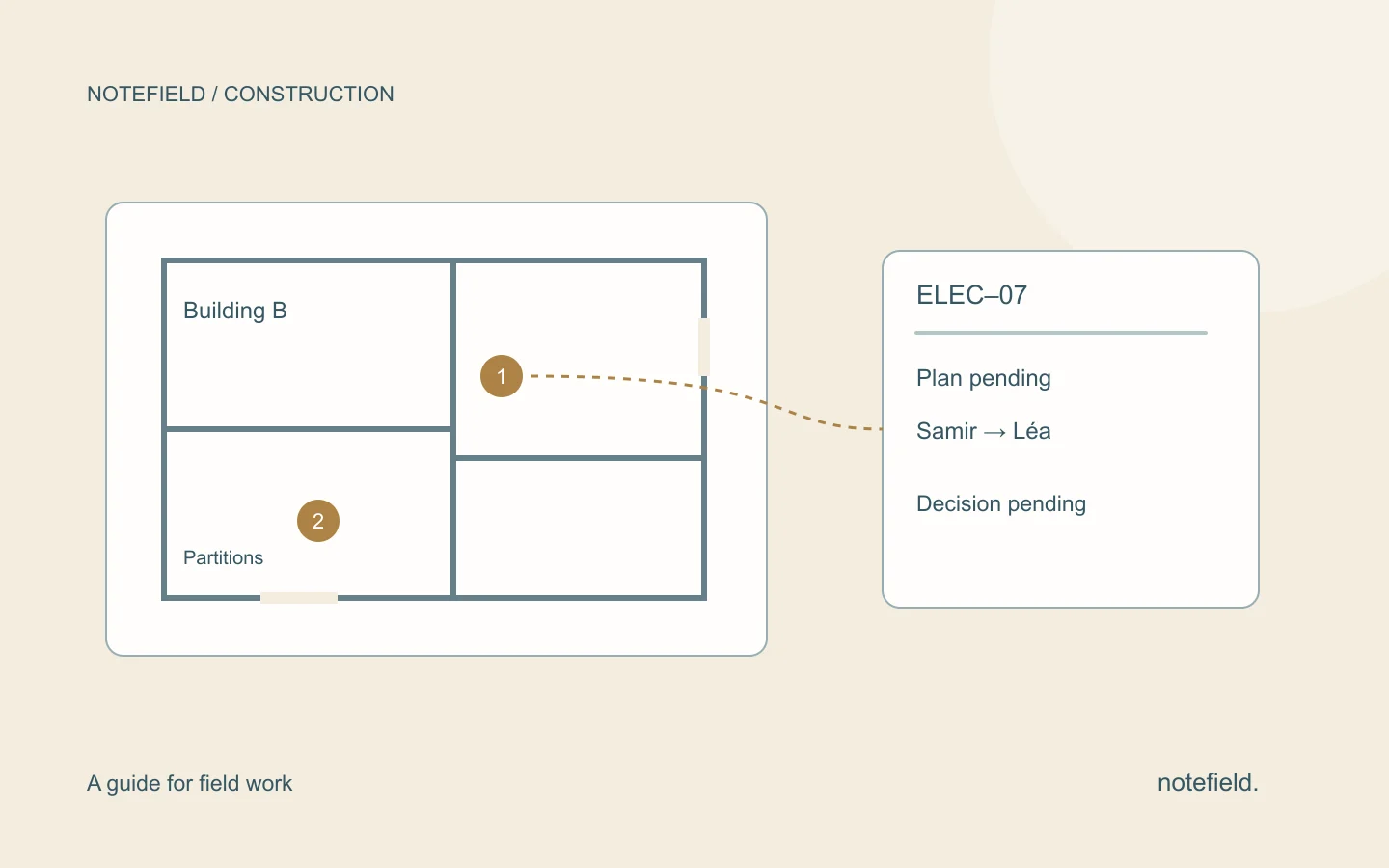
| Category | Fictional example | Required follow-up |
|---|---|---|
| Finding | Electrical layout unavailable during the visit | Identify the missing document |
| Open question | Can the partition be closed? | Await layout review |
| Decision | Closure has not been approved | Keep the item open |
| Action | Samir sends the layout to Léa | Verify receipt and the subsequent decision |
Copyable construction site report template
PROJECT — Project name and site address
REPORT — Number, version, date and time
AUTHOR — Name and role
ATTENDANCE — Present, absent and companies represented
PURPOSE — Coordination meeting, progress visit or focused review
PROGRESS — Work observed since the previous review, by location and trade
ITEM — A stable identifier carried across reports
OBSERVATION — What was observed and its precise location
DECISION — Confirmed decision and decision maker, or “to be confirmed”
ACTION — Expected result, owner, due date and dependency
STATUS — Open, in progress, blocked, or completed and checked
REFERENCES — Drawing, photograph or document reference and version
NEXT REVIEW — Date and items to check
DISTRIBUTION — Recipients and the date this version was issued
Use a stable identifier for each open item. ELEC-07 can appear in three meetings without becoming three unrelated issues. When closing it, record the evidence used to confirm completion.
A photograph can support an observation, but a filename alone is not enough. State the location and what the reader should look for. If drawings have changed, identify the version used: an annotation on an old drawing can send the team to the wrong place.
Worked example: a dependency between two trades
The following example is fictional. It demonstrates the reporting format, not a notefield customer project or a measured result.
PROJECT — Commercial premises refurbishment, building B
REPORT — CR-08, site visit on 8 September 2026
ATTENDEES — Lea, coordinator; Samir, electrical contractor; Alice, partitions contractor
OBSERVATION ELEC-07 — The panel identification drawing was unavailable during the plant-room visit.
DECISION — Closing the affected partition remains subject to review of the drawing. No approval to close it is recorded at this stage.
ACTION — Samir sends the identification drawing to Lea by 10 September. Lea then confirms to Alice whether the planned work can proceed.
DEPENDENCY — The partitions team is waiting for that confirmation.
STATUS — Awaiting document.
NEXT REVIEW — Check receipt of the drawing and record the decision. Do not infer approval merely because a file has been sent.
The report separates an observation, an unresolved decision and two sequential actions. Writing “partitions are good to go” would erase the dependency between the trades.
From a spoken site recap to a report
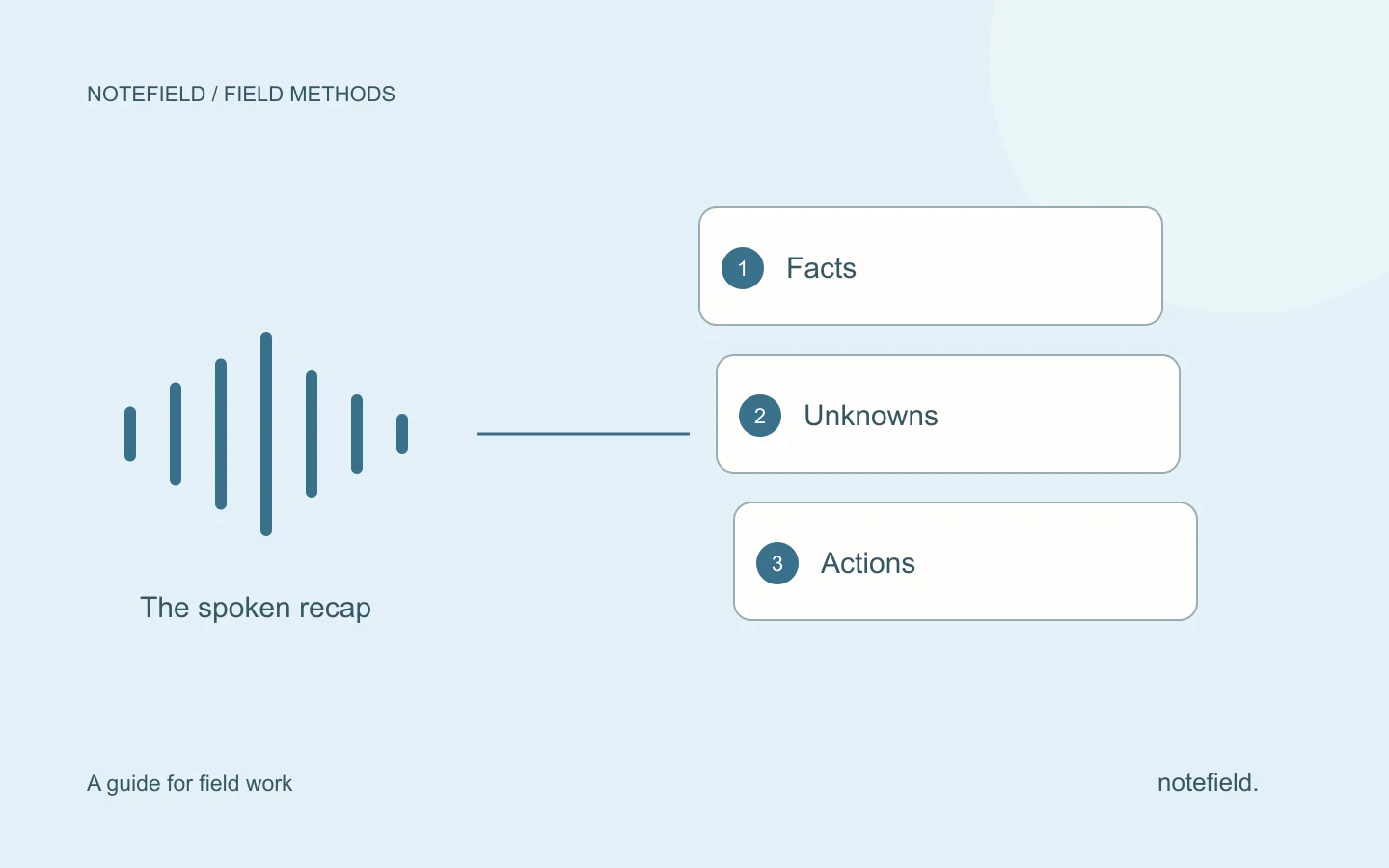
After the visit, dictate in a consistent order: project, location, trade, observation, decision and action. Say unfamiliar references clearly, and spell out names when necessary. If no deadline was agreed, say “due date to be confirmed.”
A recap might sound like this: “Building B, plant room, item ELEC-07. Identification drawing missing. Samir will send it on 10 September. Lea then needs to confirm the next step for the partition with Alice. Closing the partition has not been approved.”
The voice note to report method explains how to structure that recap without turning an assumption into a decision. Agree the recording arrangements with participants before recording a conversation. A personal voice recap after the visit is another capture option.
With notefield for construction, the starting point is a field conversation or spoken recap. Review the resulting report, especially references, names and commitments, before sharing it with the people involved.
Keep open items useful between meetings
At the next meeting, review existing open identifiers before adding new issues. For every action, check the expected result. “Document sent” and “document approved” are different states.
If a deadline changes, keep the previous date and record why it moved. If ownership changes, make sure the new owner receives the context. The field team action tracking template covers this handoff between people and teams.
A corrected report should be identifiable. Add a version number and mention the changed items in the distribution message. This lets you correct a mistake without leaving two contradictory decisions in circulation.
Common mistakes to avoid
- Combining observations from several locations into one sentence.
- Attributing a decision to “the team” without naming who confirmed it.
- Rewriting every open item with a new identifier at each meeting.
- Marking an action complete because someone promised to do it.
- Adding a precise deadline when only a tentative period was discussed.
Prefer a statement that can be checked: “reference remains unconfirmed” rather than “probably compliant.” A report describes what was established during the review. It does not replace the project’s specific inspections or approval documents.
Practical questions
How is a site report different from a service report?
A site meeting report tracks coordination and decisions across participants. A maintenance service report describes work on an asset: reason for the call, findings, work completed, checks and follow-up. Choose the format that matches the work being handed over.
Should I use a document, PDF or shared table?
An editable document helps with drafting. A PDF helps distribute an identified version. A shared table helps track items between meetings. Whichever format you choose, keep the same item references in the report and the action register.
Do I need to transcribe the entire meeting?
No. A report organizes information needed for follow-up. Preserve decisions, significant disagreements, responsibilities and unresolved points. A full transcript can be a source, but it is not by itself a coordination document.
Prepare your next site report with Notefield
For a first try, dictate one item: location, trade, observation, and agreed next step. Find those details in the report and correct references before sharing. The Notefield construction page shows the app with demonstration data and three checks to make before distribution.
Try Notefield with your next debrief or request a construction demo. Start with the fictional example above or your own notes without sensitive information.